How to Make Printable Flashcards
Are you looking for a fun and effective way to study new material or review important concepts? Printable flashcards are a fantastic tool that can help you learn and retain information in a simple and engaging way. Whether you’re a student studying for exams or someone trying to learn a new language, creating your own flashcards can be a game-changer. In this article, we’ll show you how to make printable flashcards that are not only educational but also visually appealing and fun to use.
Get Creative with Design
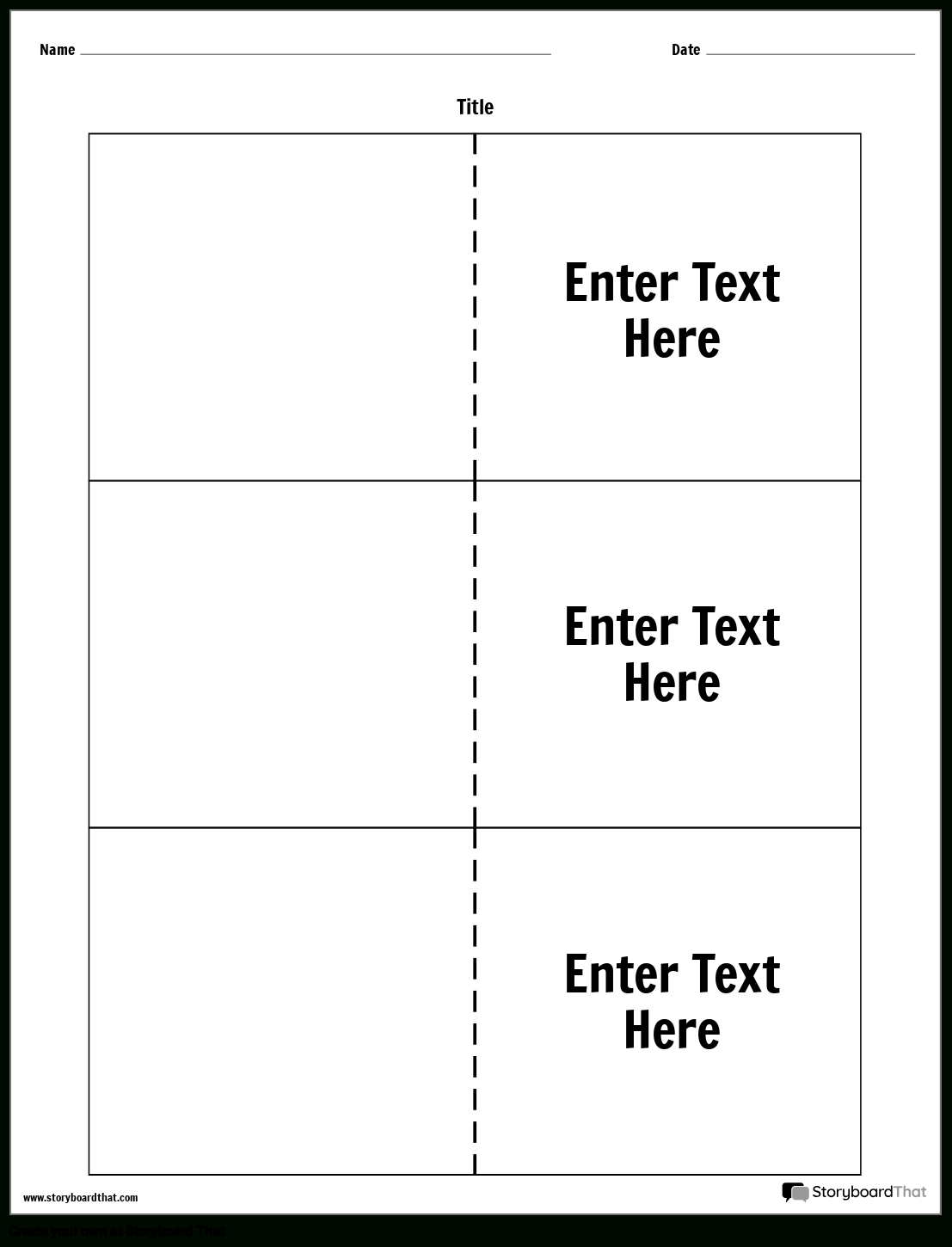
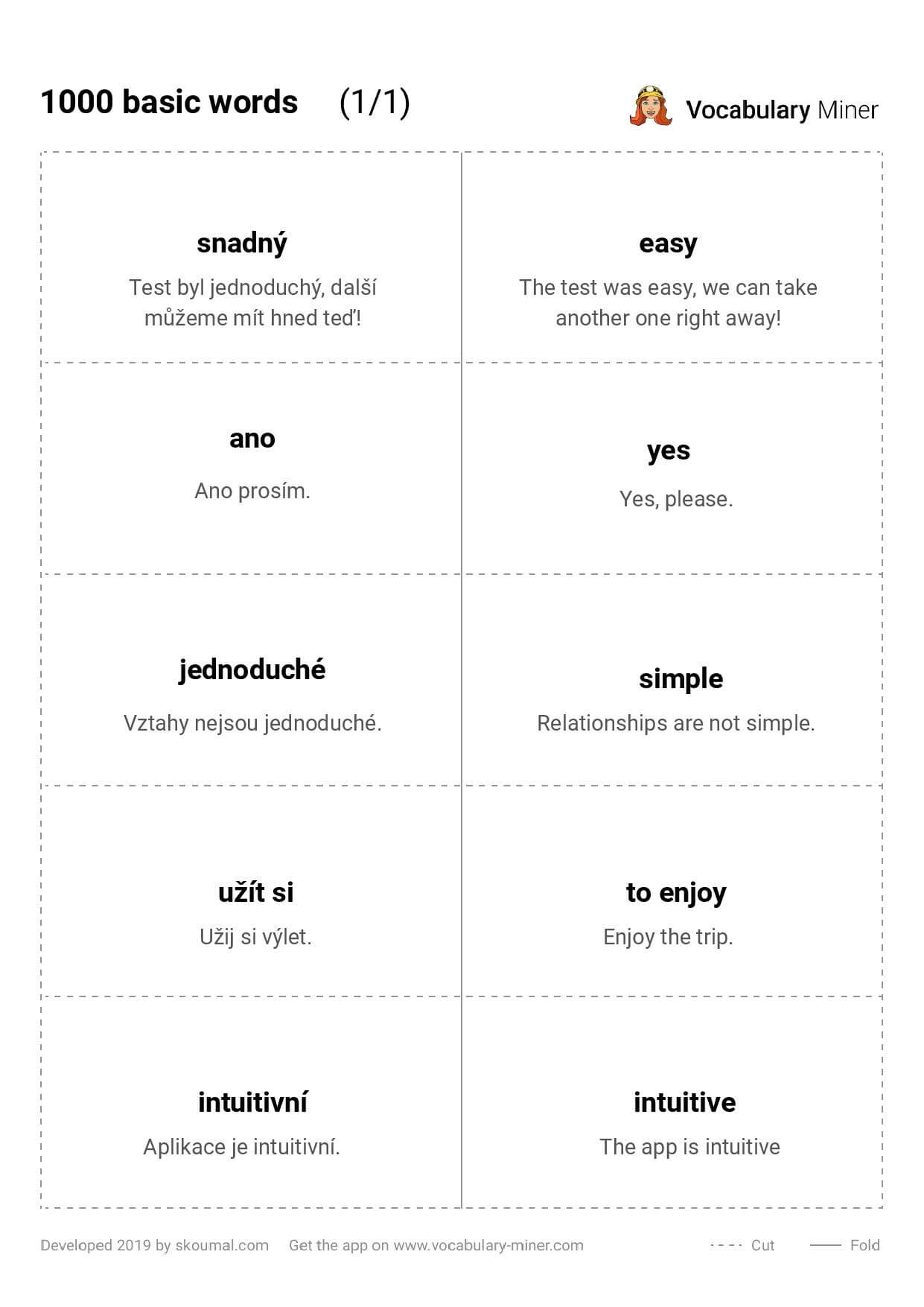
When making printable flashcards, it’s important to consider the design elements that will make your cards visually appealing and engaging. One way to do this is by using bright colors, bold fonts, and interesting graphics to capture the reader’s attention. You can also incorporate photos or illustrations that relate to the content on the flashcard to help reinforce the information being presented. Additionally, consider using different layouts or shapes for your cards to make them more visually interesting and memorable.
Another creative design element to consider is the size and shape of your flashcards. While traditional flashcards are typically small and rectangular, think outside the box and experiment with different shapes like circles, triangles, or even custom shapes that relate to the content. This can add an element of fun and uniqueness to your flashcards, making them more visually appealing and engaging to use. Remember, the goal is to make studying enjoyable, so don’t be afraid to get creative with your design choices.
Utilize Technology
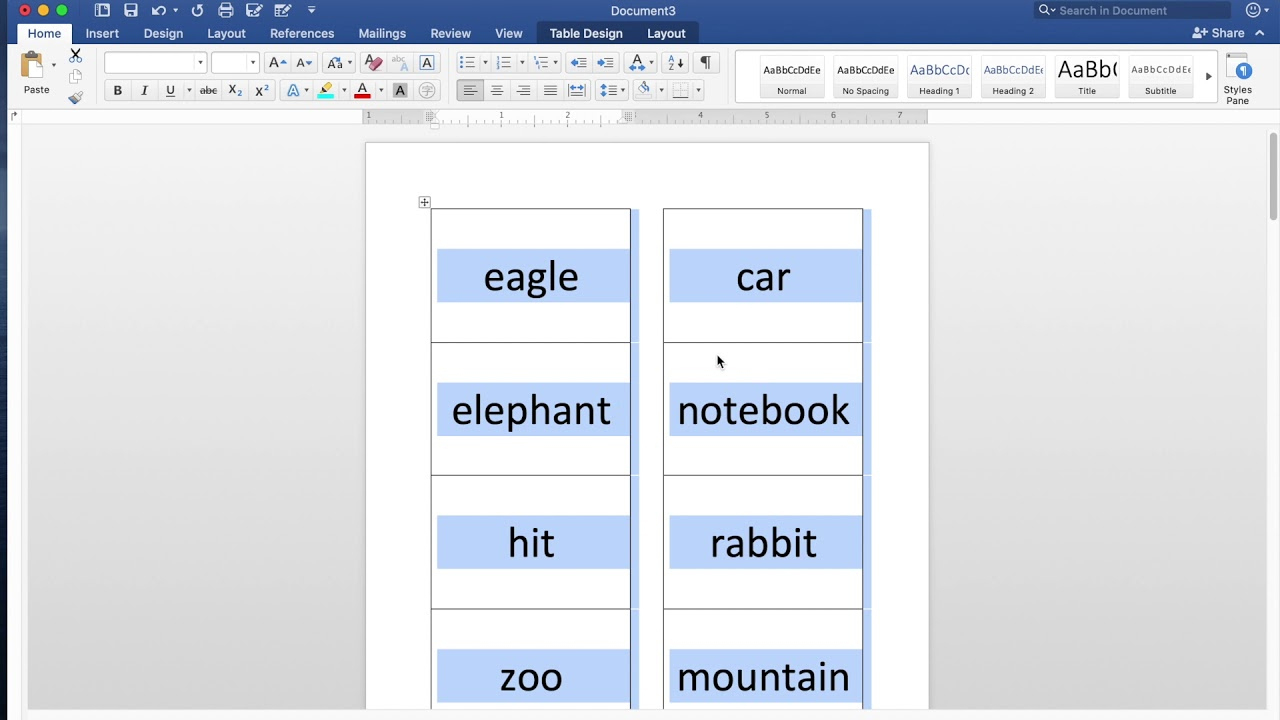
In today’s digital age, there are plenty of online tools and resources available to help you create printable flashcards quickly and easily. Websites like Quizlet, Cram, and StudyBlue offer free flashcard-making services where you can input your own text and images to create customized flashcards. These platforms also allow you to share your flashcards with others, making it easy to collaborate and study with classmates or friends. Additionally, many of these websites offer interactive features like games and quizzes to make studying even more engaging and effective.
If you prefer a more hands-on approach, consider using design software like Adobe Illustrator or Canva to create your own custom flashcards. These tools give you full control over the design elements of your flashcards, allowing you to create unique and personalized cards that suit your style. Whether you choose to use online platforms or design software, incorporating technology into your flashcard-making process can help streamline the creation process and produce professional-looking results. So why not harness the power of technology to create printable flashcards that are not only educational but also fun to use?
Related Printables..
Copyright Notice: The images contained on this site are sourced from what we believe to be the public domain or are used for editorial purposes in good faith. Notwithstanding, we acknowledge that some content may inadvertently be the property of a third party. If you hold a copyright to any material found here and have an objection to its presence, you must provide a written notice containing specific identification of the work and your contact information. Upon verification, we will ensure the infringing material is removed expeditiously.
How to Make Printable Flashcards